
Gemini Overlay and Gemini Live Get Major Android Redesign
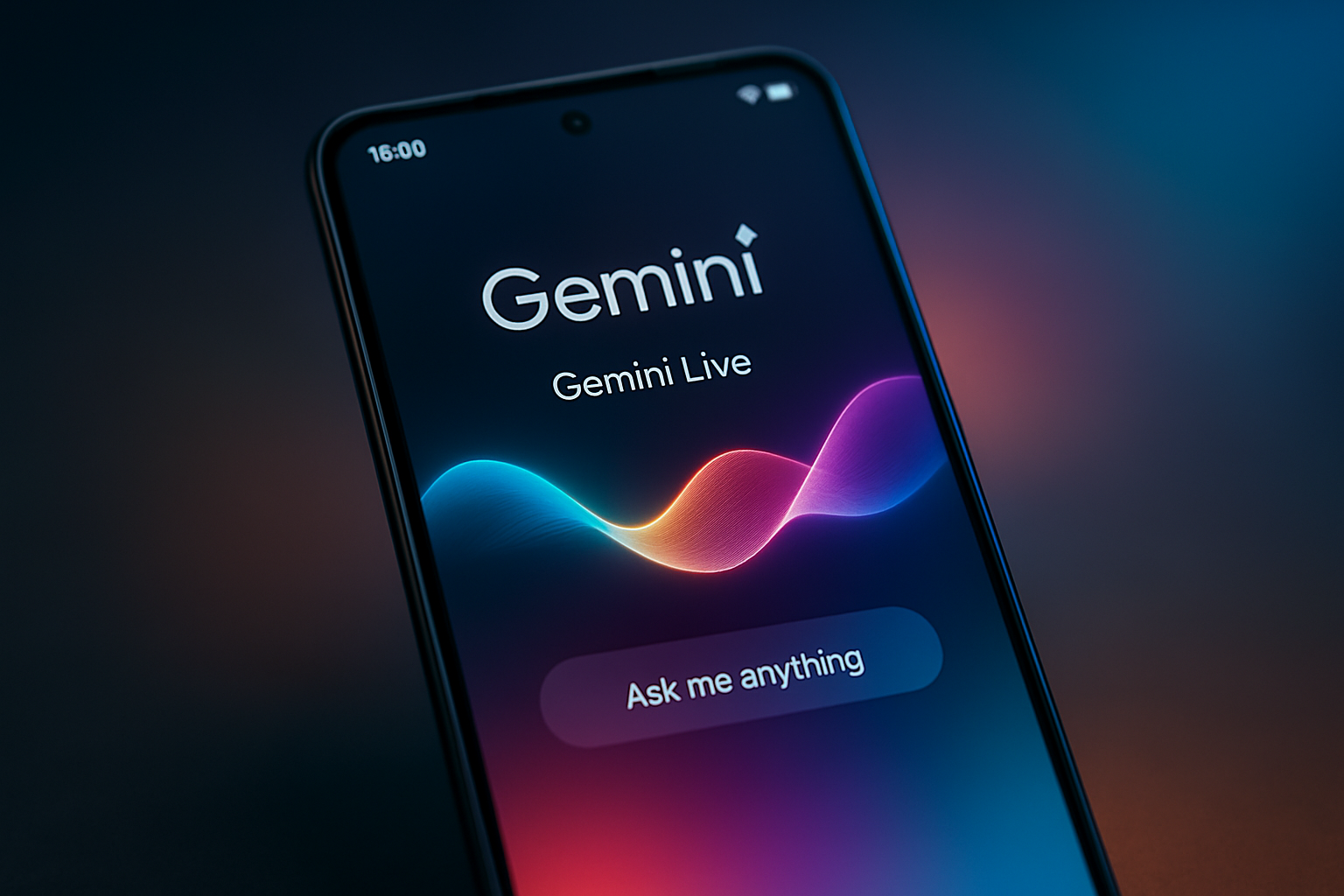
Google is rolling out a significant visual overhaul for the Gemini overlay and Gemini Live on Android, enhancing user interaction and aesthetic consistency.
Key Points
- Comprehensive redesign of the Gemini overlay for a more fluid and transparent UI.
- Gemini Live receives a visual refresh with dynamic, reactive voice interaction cues.
- Optimized control layout to improve one-handed usability for mobile users.
- Rapid deployment of updates following previous iterations in February and March.
- Strategic focus on making Gemini the central, integrated AI companion for Android.
Google’s push to make Gemini the primary AI companion for Android users continues with a significant visual overhaul. Following a series of iterative updates in February and March, the company is now rolling out a major redesign for both the Gemini overlay and the interactive Gemini Live feature. This rapid pace of development underscores Google's commitment to refining its AI interface to be more intuitive, sleek, and integrated into the daily Android experience. The new overlay design is arguably the most noticeable change. Previous iterations often felt somewhat intrusive, occupying a significant portion of the screen and sometimes clashing with the UI of other apps. The new design shifts toward a more fluid, semi-transparent aesthetic that aligns perfectly with the Material You design language. This adjustment makes the overlay feel less like a separate window and more like an extension of the system itself, allowing users to interact with the AI without losing context of their primary task. Gemini Live, which enables real-time voice conversations with the AI, has received a corresponding visual refresh. The interface now features more dynamic, reactive visual cues that pulse and shift based on the interaction. This provides immediate, non-verbal feedback to the user, making the conversation feel more natural and responsive. Additionally, Google has optimized the layout of the controls, ensuring that key buttons for ending the chat or adjusting settings are easily accessible with a single thumb, which is a major improvement for one-handed usability. Looking at the broader context, Google is effectively replacing the legacy Google Assistant with Gemini. This transition is not just about backend capabilities; it is about redefining the user experience. Historically, Google Assistant was functional but felt static. Gemini, by contrast, is designed to be conversational and multimodal. By updating the UI so frequently, Google is iterating on the feedback loop, ensuring that as the underlying models become smarter, the interface remains capable of surfacing that intelligence effectively. For the average consumer, these changes matter because they reduce the friction associated with using AI. If an assistant is difficult to trigger or clutters the screen, users are less likely to utilize it for complex tasks. By making the interface cleaner and more aesthetically pleasing, Google is encouraging deeper engagement. This is particularly important as the company integrates more AI-driven features, such as real-time translation, complex task automation, and deep integration with Workspace apps. Technically, these interface updates are layered on top of Google’s powerful large language models. The redesigns facilitate a better presentation of data. For instance, when a user asks for a summary of a document or a complex technical explanation, the new UI cards are better structured, allowing for easier scrolling and expansion. This refinement ensures that the AI’s output is as readable as it is informative, which is a critical balance to strike for mobile devices. The competitive landscape is fierce. Companies like OpenAI and Microsoft are constantly pushing the boundaries of what AI assistants can do. However, Google’s advantage lies in its deep integration within the Android ecosystem. By controlling the OS, the hardware, and the software, Google can offer a level of synergy that third-party apps struggle to match. This latest update is a clear signal that Google intends to maintain this lead by constantly evolving the user-facing side of its AI technology. As we look toward the future, it is clear that these visual updates are just the beginning. The speed at which these changes are being deployed suggests that Google is in a phase of rapid experimentation. For users, this means that the Gemini experience will continue to get better and more refined. Whether you are using a Pixel or another high-end Android device, the evolving Gemini interface is set to become the central hub of your digital interaction, signaling a shift toward a more AI-centric mobile future.
Redesigning the Overlay
The new overlay design focuses on seamless integration within the Android environment. By adopting a semi-transparent look that adheres to Material You design principles, Google has minimized the visual disruption when the AI interface is active. This design choice is intended to make Gemini feel less like a separate application and more like a native part of the operating system, allowing users to access AI assistance without losing focus on their primary tasks.
Evolving Gemini Live
Gemini Live has received a visual overhaul aimed at enhancing the conversational experience. The interface now includes dynamic visual feedback that pulses in response to voice input, creating a more engaging and responsive interaction. Google has also refined the placement of essential controls to ensure better one-handed usability, reflecting a commitment to both high-level AI performance and practical, user-centric interface design.
This article was drafted with AI assistance and editorially reviewed before publication. Sources are listed below.