
Google Finally Adds Native Controller Remapping to Android 17
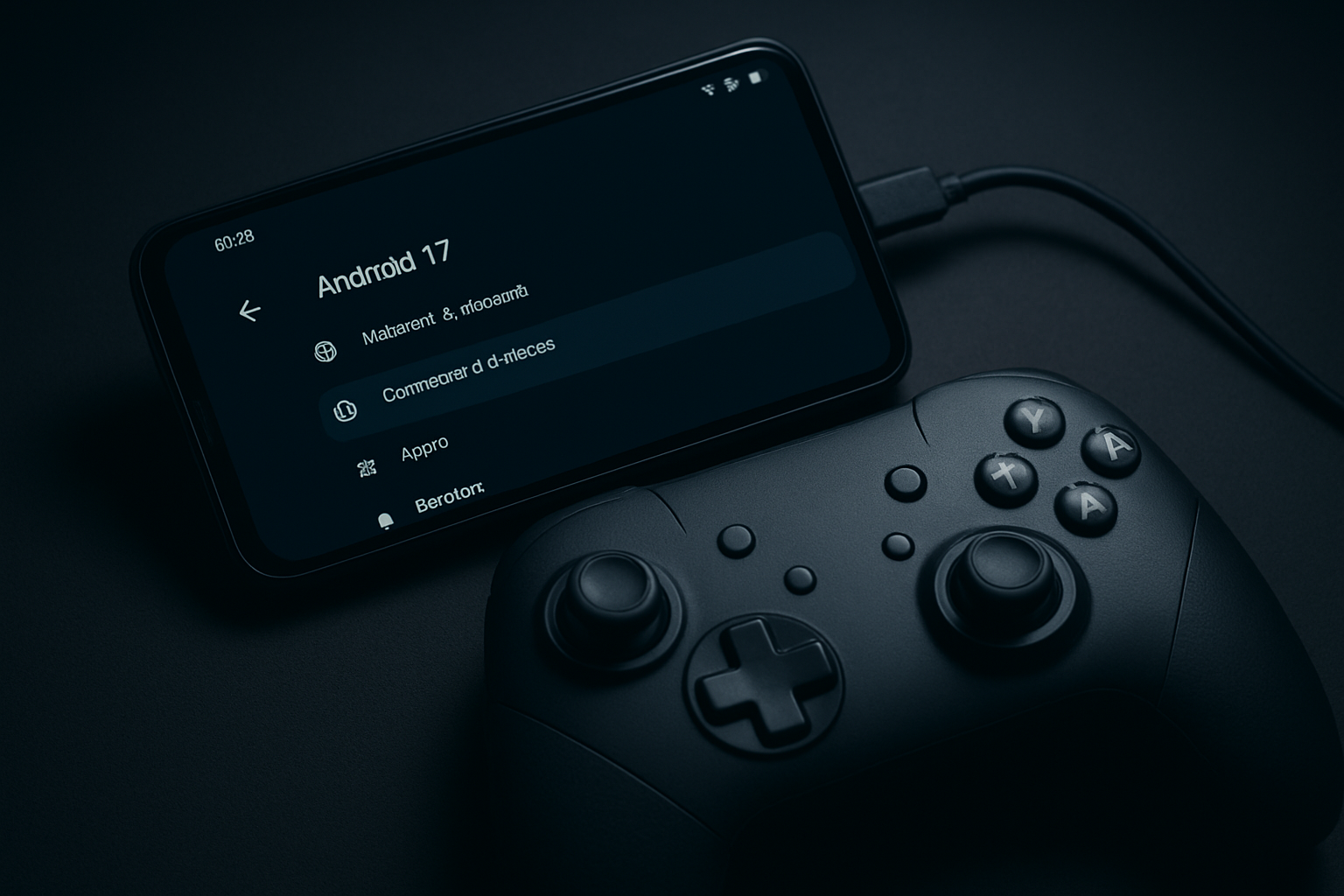
Google has officially introduced system-level controller remapping in the Android 17 Beta, allowing gamers to customize their gamepad inputs across all games.
Key Points
- System-level controller remapping introduced in Android 17 Beta.
- Customizations apply globally, removing the need for per-game setup.
- Supports both wired and Bluetooth game controllers.
- Granular control over buttons, triggers, and analog sticks.
- Designed with accessibility and platform-switching in mind.
In a move long-awaited by the mobile gaming community, Google has officially introduced system-level controller remapping in the Android 17 Beta. This feature aims to eliminate the frustration of adapting to different control schemes for every individual game, offering a unified way to customize buttons, thumbsticks, and triggers across the entire operating system. The announcement was confirmed by Mishaal Rahman, who shared insights into how Google is finally listening to persistent user feedback regarding the lack of native controller support. Unlike previous workarounds that relied on in-game settings or third-party mapping applications—which were often clunky or unreliable—Android 17’s implementation operates at the system level. This ensures that once you set your preferred layout, it applies globally, allowing for a seamless transition between different gaming experiences without the need for repetitive setup. The feature is designed to work with both wired and Bluetooth controllers, providing broad compatibility for various hardware. Accessing these settings is straightforward: for wired gamepads, users can navigate to Settings > System > Game Controller. For those using Bluetooth controllers, the settings are located under Settings > Connected devices > Device details, where users can find the specific Game Controller Settings menu after selecting their paired device. Functionally, the system is quite granular. Users are able to remap face buttons, triggers, and thumbstick clicks, and even swap directional inputs between analog sticks and the D-pad. All these preferences are saved directly on the device, ensuring that the user’s preferred configuration persists across different gaming sessions. Google has explicitly stated that accessibility was a core focus during the development of this feature, aiming to help players tailor their controls to physical needs or muscle memory built from other gaming platforms. Currently, the feature is available in the Android 17 Beta 2 and later versions. Because it is still in an early testing phase, Google has noted a few minor issues, such as incorrect button glyphs appearing for certain controller models, though the actual functionality remains intact. The company is actively soliciting feedback from beta testers to refine the feature before the stable public release, meaning that the interface and capabilities could see further polish in the coming months. This update marks a significant shift in Google’s approach to mobile gaming. By embedding controller remapping into the Android OS itself, Google is signaling that it views mobile devices as serious gaming platforms. This move not only benefits casual players but also supports the growing ecosystem of cloud gaming and high-fidelity titles that require precise input control. By moving away from external apps, Google is also enhancing security and performance, as the system-level integration is inherently more efficient. Looking ahead, this development sets the stage for further gaming-centric improvements in future Android versions. While the current iteration focuses on basic remapping, the potential for per-game profile switching or advanced macro support could be the next logical step. For now, the introduction of native remapping is a massive win for the Android community, establishing a level of control and customization that was previously only available on dedicated consoles and PC gaming environments.
Unified Gaming Experience
The new feature allows gamers to standardize their control scheme across all games installed on their device. Instead of spending time adjusting settings within every individual game, users can configure their gamepad once and have those settings applied system-wide.
Accessibility and Compatibility
The feature is built to be inclusive, supporting a wide range of controller types. It is specifically designed to assist players who need to remap buttons for physical comfort or to adapt to the button layouts they are accustomed to from other gaming platforms.
This article was drafted with AI assistance and editorially reviewed before publication. Sources are listed below.