
Google Gemini Redesign: Major Changes Coming to Overlay and Live
Google is preparing a comprehensive redesign for the Gemini overlay and the Gemini Live experience, aiming for smoother, more integrated interactions.
Key Points
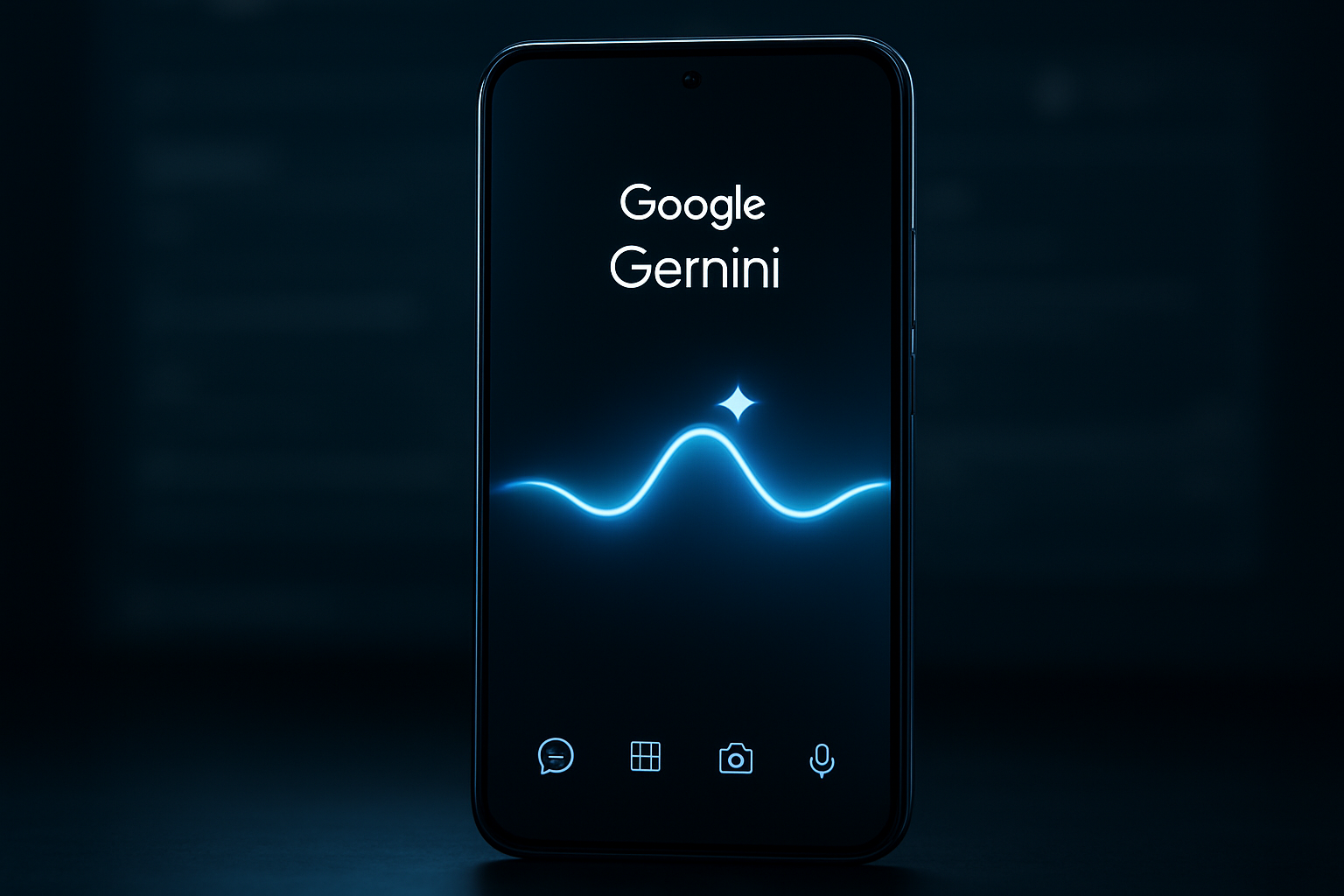
- Redesigned Gemini overlay with thinner icons and a new waveform animation.
- New UI sheet for quick access to image and music generation tools.
- Gemini Live no longer forces a screen change, keeping the user in context.
- Dedicated bottom buttons for mic toggling and exiting the live session.
- Real-time text response display during Gemini Live conversations.
Google continues to aggressively iterate on its generative AI offerings, with the latest findings from an APK teardown of the Google app (version 17.13.61.sa.arm64) revealing a major redesign for the Gemini overlay and the Gemini Live experience. As Google seeks to integrate AI more deeply into the Android user experience, these interface adjustments appear aimed at creating a more cohesive and less intrusive interaction model. The Gemini overlay, a critical component for quick AI assistance, is receiving a significant visual refresh. The new design features thinner, more refined icons that align with modern UI trends. When users activate voice input, a new waveform-like animation now pulses in the center of the UI, providing immediate visual feedback that the AI is listening. Furthermore, a new UI sheet accessible via the plus icon allows users to quickly initiate creative tasks like image or music generation, effectively turning the overlay into a powerful productivity tool that doesn't require a full app launch. Perhaps most importantly, Google is refining how Gemini displays information within the overlay. A new response UI ensures that answers appear directly within the existing overlay space. This shift is designed to reduce the need for constant screen switching, allowing users to maintain their focus on the primary app they are currently using while interacting with the AI. This approach underscores Google’s commitment to making Gemini a helpful companion rather than a disruptive force. Gemini Live is also seeing a fundamental change in its operational flow. Previously, tapping the Live icon would transport the user to a separate, full-screen interface complete with dedicated controls for video, mute, and screen sharing. The upcoming redesign keeps the Live session on the current screen, preserving the user's context. At the bottom of the interface, new, intuitive buttons have been added: a center button that toggles the microphone with a simple double-tap, and a keyboard button that allows for a seamless exit from the live session. Another notable improvement is the real-time display of text responses while speaking with Gemini Live, bridging the gap between voice and text-based interactions. The leak also suggests a revamped UI for video-based features within Live, indicating that Google intends to bolster the multi-modal capabilities of its AI assistant. These changes suggest a more sophisticated approach to handling live, conversational AI interactions on mobile devices. While these findings are based on an APK teardown—which means these features are currently work-in-progress and may not appear in the final public release—they offer a clear look at Google's design philosophy for Gemini. By prioritizing context preservation and minimizing UI clutter, Google is refining Gemini to be an essential layer of the modern Android experience.
Gemini Overlay Redesign
The Gemini overlay is undergoing a significant visual overhaul aimed at improving user focus and aesthetic appeal. By adopting thinner, more refined icons, Google is cleaning up the UI to ensure it feels less intrusive. The introduction of the waveform animation provides essential visual feedback, confirming that the AI is actively processing input, which creates a more engaging conversational dynamic. The addition of a new UI sheet for creative tasks like image and music generation transforms the overlay from a static interface into a dynamic productivity hub. By displaying responses directly within the overlay, Google is effectively removing the friction caused by constant screen switching, which is a major win for mobile multitasking and workflow continuity.
Gemini Live Enhancements
The updates to Gemini Live represent a shift toward a more contextual AI experience. By keeping Live within the current screen instead of forcing a full-screen takeover, Google allows users to continue their work while interacting with the AI. This preservation of context is crucial for power users who rely on Gemini for complex tasks. New, intuitive controls at the bottom of the interface make managing the session—like toggling the microphone or exiting—effortless. Furthermore, the ability to see text responses in real-time while engaging in a voice conversation adds a layer of clarity, allowing users to verify information visually as they speak, which significantly enhances the overall usability of the Live feature.
This article was drafted with AI assistance and editorially reviewed before publication. Sources are listed below.