
iOS 26.4 Adds Three New Ways to Customize Your iPhone
Apple has officially released iOS 26.4, introducing three major customization features that give iPhone users more control over their device's interface.
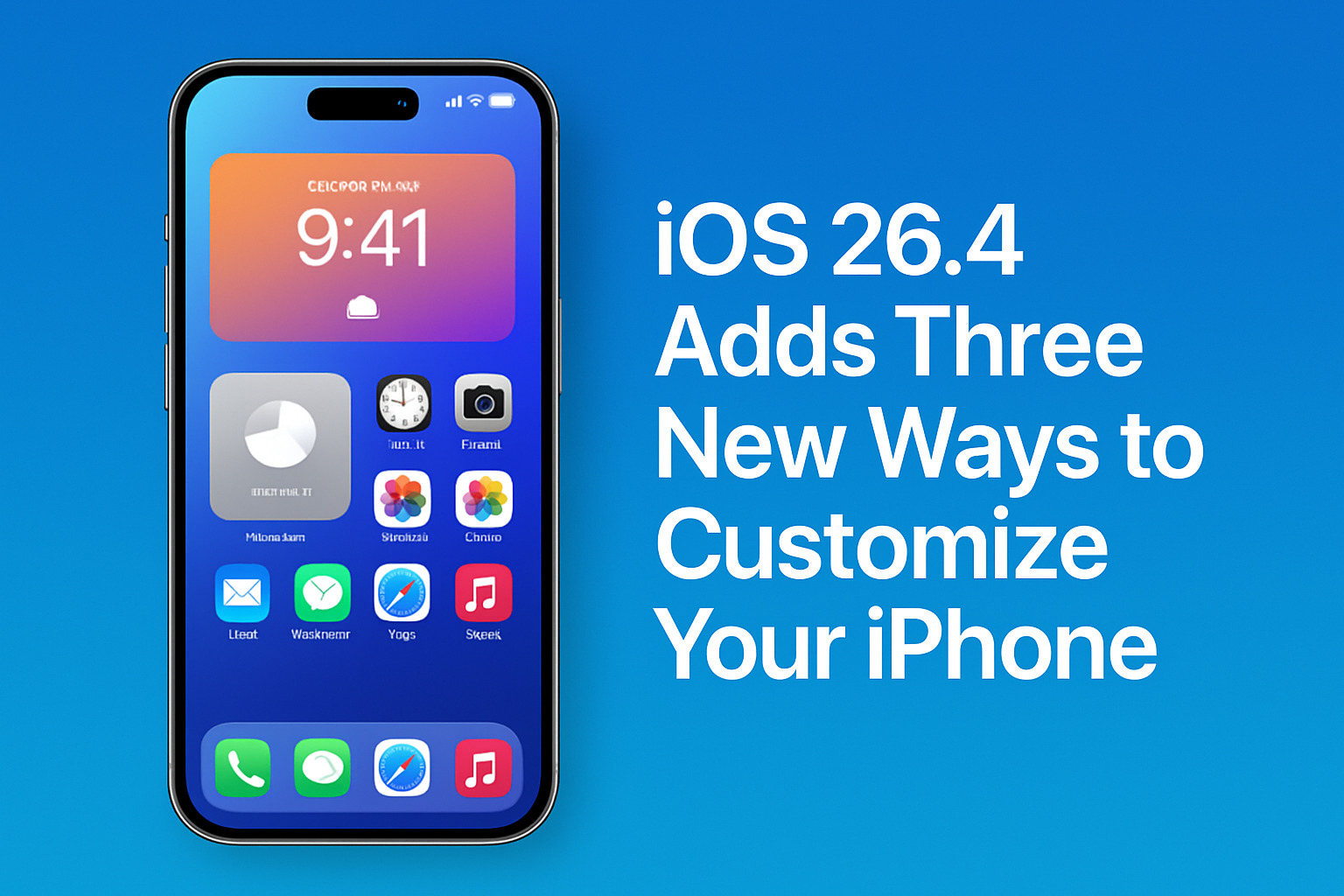
Key Points
- Fully modular and customizable Control Center layout.
- New interactive Lock Screen widgets for quick task management.
- Native support for system-wide custom icons and themes.
- Optimized battery performance despite increased interactivity.
- Available now as a free update for supported iPhone models.
Apple has officially rolled out iOS 26.4, a significant update that marks a turning point in the company's approach to user interface personalization. For years, the iPhone experience was defined by its rigid, uniform structure—a design philosophy that prioritized simplicity and stability over user-driven customization. However, as mobile technology evolves, Apple has recognized the growing demand for more granular control, and iOS 26.4 delivers this in a powerful, refined way. This update is not merely a collection of minor tweaks; it represents a fundamental shift in how users interact with their devices. At the core of this update are three major customization pillars. The first is a complete overhaul of the Control Center. Previously, users were limited to a set number of toggles and a static layout. With iOS 26.4, Apple has introduced a modular grid system that allows users to resize, rearrange, and add custom shortcuts for third-party apps. This means that if you are a power user who frequently switches between specific smart home scenes or needs quick access to advanced camera settings, you can now build a Control Center that works exactly the way you do. The second major feature focuses on interactive Lock Screen widgets. While widgets have existed on the Lock Screen for several iterations, iOS 26.4 takes them to the next level by enabling full interactivity. Users can now perform complex tasks—such as updating a to-do list, scrubbing through a podcast, or checking real-time sports scores—without ever unlocking their device. This is a massive win for productivity, reducing the friction of jumping into and out of apps for quick tasks. Apple’s engineering team has optimized these interactions to ensure they remain battery-efficient, a critical factor for maintaining the long-term health of the device. The third feature, and perhaps the most requested by the design community, is the native support for custom icon packs and system-wide themes. Until now, users had to rely on complex workarounds involving the Shortcuts app to change the look of their home screen icons. iOS 26.4 integrates this functionality directly into the system settings. Users can now download and apply cohesive themes that change icons, accent colors, and even font styles across the entire OS. This provides an unprecedented level of aesthetic freedom, allowing users to make their iPhone feel truly unique. Analyzing the broader market impact, these changes position Apple to better compete with the high degree of customizability found on Android devices, without sacrificing the polish and performance that iPhone users expect. By bringing these features into the native ecosystem, Apple ensures that performance remains snappy and secure. This balance between freedom and reliability is exactly what Apple's user base has been calling for. Looking ahead, iOS 26.4 sets a new standard for mobile software. It signals that Apple is comfortable leaning into user feedback while maintaining its core design integrity. For consumers, this update is a must-install, as it unlocks new ways to be productive and creative. As we look toward future iterations, it is clear that the path for iOS is one of increased flexibility, ensuring that the iPhone remains not just a powerful tool, but a personal extension of the user's personality and workflow.
Control Center Revolution
iOS 26.4 introduces a ground-up redesign of the Control Center, moving away from the static grid of the past. Users now have the power to resize, move, and add custom shortcuts, effectively turning the Control Center into a personalized dashboard for their most-used functions. This shift is a massive quality-of-life improvement for power users. Whether you are managing smart home devices, toggling focus modes, or controlling media playback, the ability to tailor this menu to your specific workflow is a game-changer for daily productivity.
Aesthetic Freedom with Themes
The introduction of native theme and icon support is perhaps the most exciting visual change in this update. By moving away from third-party workarounds, Apple has made it easier than ever for users to express themselves through their device's interface. This feature allows for a cohesive look across the entire OS, from custom icons to system-wide accent colors. It turns the iPhone into a canvas, allowing users to curate an experience that is as visually appealing as it is functional.
This article was drafted with AI assistance and editorially reviewed before publication. Sources are listed below.