
WiiFin: Bringing the Modern Jellyfin Streaming Client to the Classic Nintendo Wii
The new WiiFin project breathes new life into the Nintendo Wii by providing an open-source Jellyfin client, allowing users to stream movies, TV shows, and music directly on the legacy console.
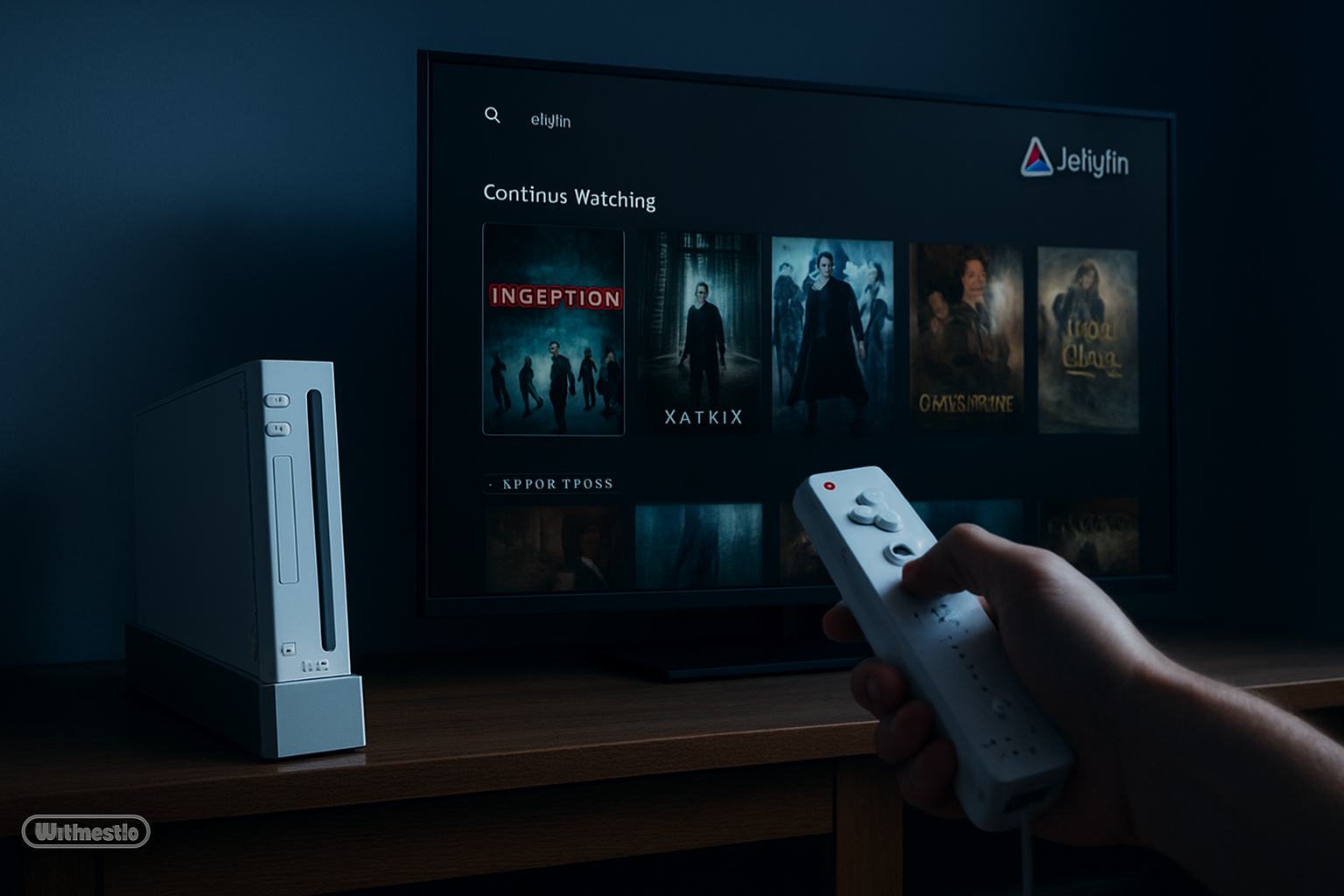
Key Points
- WiiFin is an open-source Jellyfin client specifically designed for the Nintendo Wii homebrew scene.
- The application relies on server-side transcoding to play modern video formats on legacy hardware.
- Supports QuickConnect authentication and real-time playback reporting to sync progress.
- Features a full library browser with cover art, synopses, and cast details for movies and TV shows.
- Compatible with original Wii hardware, the Wii U's vWii mode, and the Dolphin emulator.
- Developed in C++ using GRRLIB, MPlayer CE, and mbedTLS for secure HTTPS connections.
In the ever-evolving landscape of technology, where new hardware becomes obsolete in a matter of years, there exists a dedicated community of developers committed to keeping 'retro' hardware alive. The Nintendo Wii, released in 2006, was a cultural phenomenon that introduced motion-controlled gaming to the masses. Now, nearly two decades later, a new homebrew project titled WiiFin is making waves by bringing modern media streaming capabilities to this legendary console. WiiFin is an experimental, open-source client for Jellyfin, the popular self-hosted media server platform that serves as a free alternative to proprietary services like Plex. Developed by Fabien Millet and written in C++, WiiFin leverages the power of GRRLIB for its graphical interface and MPlayer CE for its playback engine. The project aims to provide a lightweight yet feature-rich experience for Wii owners who want to access their personal digital libraries of movies, TV shows, and music. In an era where official support for the Wii has long since vanished—with the Wii Shop Channel closed and Nintendo Wi-Fi Connection services terminated—the homebrew scene remains the only way to utilize the console's built-in Wi-Fi capabilities for online content. Understanding the technical hurdles of this project requires looking at the Wii's hardware specifications. The console is powered by an IBM PowerPC 'Broadway' CPU clocked at 729 MHz and features only 88MB of total system RAM. By modern standards, these specs are insufficient for decoding high-definition H.264 or H.265 (HEVC) video streams natively. To circumvent this, WiiFin relies entirely on server-side transcoding. This means that the Jellyfin server does the heavy lifting, re-encoding the video into a format and resolution (typically standard definition) that the Wii's hardware can handle in real-time. This approach allows the Wii to play content that would otherwise be impossible to load. Despite being labeled as 'experimental,' WiiFin boasts a surprisingly comprehensive feature set. It supports secure authentication via standard username/password login or the user-friendly QuickConnect method, which allows users to approve the login from another device. Once connected, users can browse their entire Jellyfin library, complete with high-quality cover art fetched directly from the server. The detail view for each title includes a synopsis, ratings, genres, and cast information. Furthermore, the app integrates with Jellyfin's 'Continue Watching' and 'Next Up' features, ensuring that your viewing progress is synced across all your devices. Navigation in WiiFin is designed specifically for the Wii's unique input methods. It fully supports the Wiimote's IR pointer for point-and-click navigation and includes a virtual on-screen keyboard for searching and entering credentials. The playback interface is equally robust, offering a functional overlay with a seek bar, volume controls, and the ability to switch between different audio tracks or subtitles. It even supports 'Intro Skip,' a modern quality-of-life feature that many official streaming apps struggle to implement correctly on older hardware. On the networking side, WiiFin implements HTTPS support through mbedTLS, allowing for secure connections to remote servers. This is particularly important for users who host their Jellyfin instances outside of their home network. The project is distributed in two formats: a .dol file for launching via the Homebrew Channel and a .wad file for those who wish to install it as a dedicated channel on their Wii System Menu. It is also compatible with the vWii (virtual Wii) mode on the Wii U, providing a nostalgic media experience on Nintendo's follow-up console. Of course, there are inherent limitations when working with 2006-era hardware. Direct-play is not supported, meaning the server must always be capable of transcoding. Audio is limited to stereo output, as the Wii does not support multi-channel 5.1 passthrough in this configuration. Additionally, subtitles must be 'burned-in' by the server into the video stream, as the Wii lacks the processing power to render complex subtitle formats like ASS/SSA on top of the video in real-time. Nevertheless, WiiFin represents a triumph of software engineering, proving that with enough creativity, even the most limited hardware can find a place in the modern digital home. The roadmap for the project includes adding sorting and filtering options, a 'favorites' system, and multiple UI themes, promising an even better experience for retro enthusiasts in the future.
Reviving Legacy Hardware through Homebrew
The WiiFin project represents a significant milestone for the Nintendo Wii homebrew community. By creating a dedicated client for Jellyfin, developers are extending the utility of a console that many considered obsolete. Unlike simple media players of the past, WiiFin interacts directly with the Jellyfin API, allowing for a modern 'Netflix-style' experience on a 2006 console. The choice of C++ and the GRRLIB graphics library ensures that the UI remains snappy despite the Wii's aging Broadway processor. One of the standout aspects of WiiFin is its versatility in installation. It can be launched as a standard .dol file via the Homebrew Channel or installed as a permanent System Menu channel using a .wad file. This accessibility ensures that anyone with a modified Wii or Wii U (via vWii mode) can easily turn their console into a dedicated media center. Furthermore, full compatibility with the Dolphin emulator allows for easy testing and development without needing physical hardware at all times.
Technical Hurdles and Playback Solutions
The primary challenge in bringing a modern streaming client to the Wii is the console's lack of hardware acceleration for modern video codecs. Since the Wii was designed for 480p gaming, it cannot natively decode H.264 or HEVC streams at high bitrates. WiiFin solves this by mandating server-side transcoding. The Jellyfin server processes the video file and streams it in a format the Wii can handle, effectively offloading the heavy computational work from the console to the server. Security was another major hurdle. Modern web services require HTTPS, which utilizes TLS encryption that the Wii was never designed to handle efficiently. By bundling the mbedTLS library, the developer enabled WiiFin to establish secure connections. This ensures that user credentials and metadata remain protected, a crucial feature for users who access their personal media servers over the open internet rather than just a local home network.
This article was drafted with AI assistance and editorially reviewed before publication. Sources are listed below.